
Fix My Speaker Dust
Clean the dust from your device’s speaker.
Other Tools






Phones have become essential items that we carry around even when we sleep. This has led to them being found in many places during our daily use, such as bags, pockets, and desks. This has made it inevitable for dust to accumulate on the speaker.
Dust buildup on speakers can degrade sound quality. So, what can we do, we hear you asking? You can use our Fix My Speaker tool to do this. Let’s see how our tool works.
Table of Contents
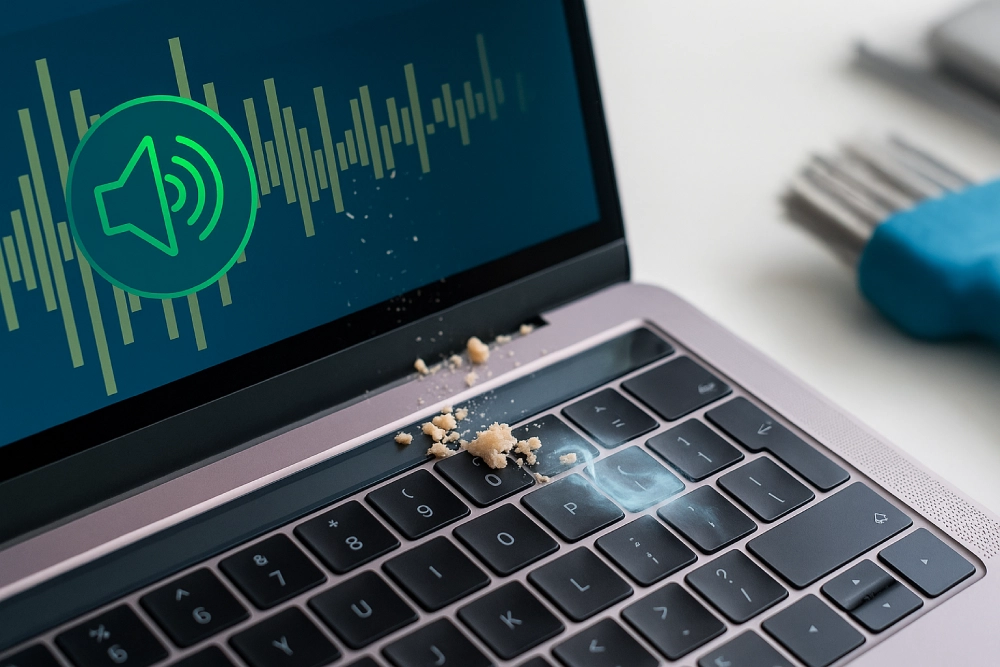
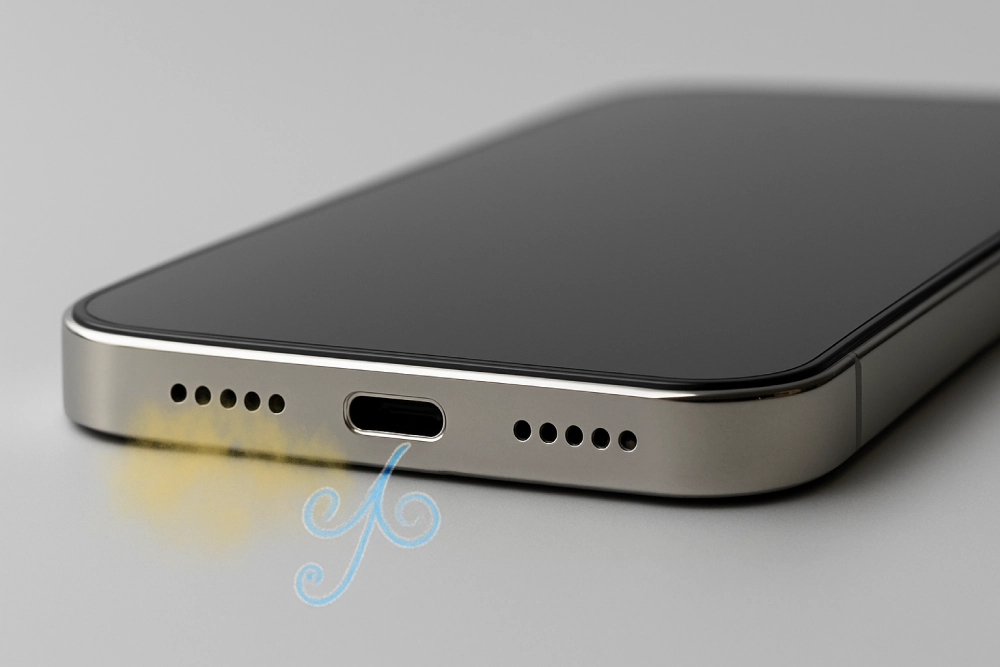
Why Does Dust Accumulate in Speakers?
Speakers are the parts of the phone that come into direct contact with the outside world. Over time, small airborne dust and dirt particles settle in the small openings on the phone. Dusty rooms, open windows, or carpets, as well as areas where the device is frequently used and how it is carried, can also contribute to dust accumulation.
However, not only environmental conditions but also mechanical conditions can cause dust accumulation in the grill and speaker area of the device. Mechanical causes include speaker parts, such as speaker grills and small gaps, which are prone to trapping dust particles. But this isn’t the only problem. Static electricity builds up on electronic surfaces. This electricity can attract dust particles into components, accelerating dust accumulation.
This explains the relationship between the frequency of speaker use and the ease with which they are carried, and dust accumulation.
How Does Dust Affect Speakers?
The impact of dust on speaker performance occurs at several different levels:
The simplest of these is a layer of dust that accumulates on the grille or speaker surface. This layer prevents even sound, especially at higher volumes, from reproducing evenly. This results in hoarse, scratchy, or quiet sounds. It can also make it difficult to distinguish subtle sounds in songs or videos.
The other is a more technical effect. In this case, as dust accumulates on the moving parts of the speaker, the movement of parts like the voice coil or cone can be restricted. Dust accumulation on sensitive parts creates extra mass.
This mass disrupts the balance of sound frequencies and, over time, causes distortion. This effect is particularly pronounced in parts with thin diaphragms. On the other hand, physical damage can occur at this level. The accumulated dust mass can cause wear on parts.
Last of all, it can cause connection problems. When the dust buildup on the speaker reaches a certain level, it can cause problems connecting with components like cables or headphones. This prevents a smooth connection and leads to audio issues.
Why Should You Clean Dust from Your Speakers?
If dust accumulation on a speaker is perfectly normal, you might be wondering why you need to clean it. The reasons can be listed as follows:
- This is a condition that immediately reduces sound quality. Over time, dust can affect diaphragm vibration, resulting in distortion and muffled sound.
- Because it reduces the clarity of the sound in the mid and treble frequencies, it causes a noticeable performance decrease when making phone calls, listening to music, or watching movies.
- Dust buildup on a speaker traps heat that should be released when the device heats up. This can cause the device to overheat, which in turn shortens the speaker’s lifespan.
- Accumulated dust and dirt particles can lead to hygiene issues over time. Allergens might even accumulate inside the speaker, negatively impacting the owner’s health with each use.
Fix My Speaker Dust: Working Principle
We have explained the causes of dust accumulation in speakers and the potential damage it can cause to your device. To eliminate this issue, you can use the Fix My Speaker Dust tool. Before we discuss how to use it, let’s explain how it works:
Our Fix My Speaker Dust tool is web-based. This means there is no need to download any apps or audio files. It works using sound waves at specific frequencies and vibration modes. The goal is to use different sound waves and vibration levels to push the dust layer settled inside the speaker outward.
The biggest advantage of this approach is that it eliminates the problem without requiring physical intervention.
When to Use Fix My Speaker Dust Service?
Now it is time to ask the most important question: When should you use the Fix My Speaker Dust tool?
- If the sound isn’t clear when listening to music or talking on the phone.
- If the volume isn’t as loud as it used to be, even when turned up all the way.
- If the sound is crackly or higher than usual, especially when watching or listening to something at high volume.
- If your device has been left in dusty or dirty environments for a long time, and you have not yet performed a manual cleaning.
If one or more of the situations mentioned above are present, you can use the Fix My Speakers Dust tool.
How to Use Fix My Speaker Dust Service?
Using the Fix My Speaker Dust tool is a very simple process that anyone can do. Here are the steps:
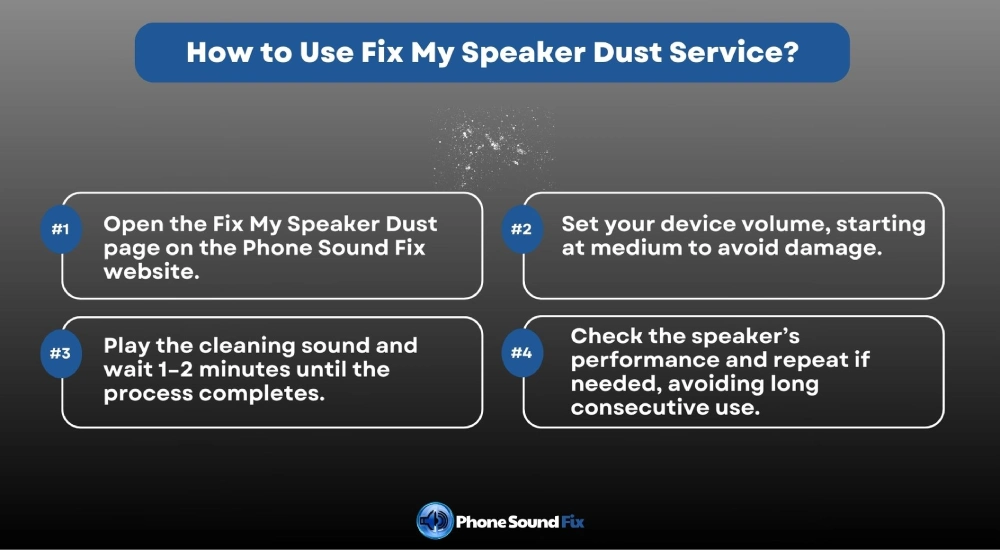
- First of all, you should open the Fix My Speaker Dust page on the Phone Sound Fix website.
- Next, adjust the volume on your device. Higher volumes generally work. However, we recommend starting with a medium volume the first time you try this, as sudden loud noises can damage the device’s diaphragm.
- After adjusting the volume, start the cleaning sound. This section contains a field that indicates the completion of the cleaning. Wait until this field is filled. This usually takes 1-2 minutes.
- After the process is complete, you should perform a performance check. If you aren’t satisfied with the improvement, you can repeat this process a few times. However, we recommend that you don’t use it consecutively for a long time.
Frequently Asked Questions
Yes, you can easily clean your speaker at home. Simply use a microfiber cloth and a soft-bristle brush. Also, you can use our Fix My Speaker Dust tool.
The easiest and most effective way to remove dust from your speaker is to use the Fix My Speaker Dust tool.
Yes, our tool can remove most of the dust accumulated in your speaker. However, in heavily settled cases, it may be necessary to do it several times. If this doesn’t fix the problem, there may be a hardware issue.
Yes, regardless of iOS or Android, you can use this tool on all devices with peace of mind.