
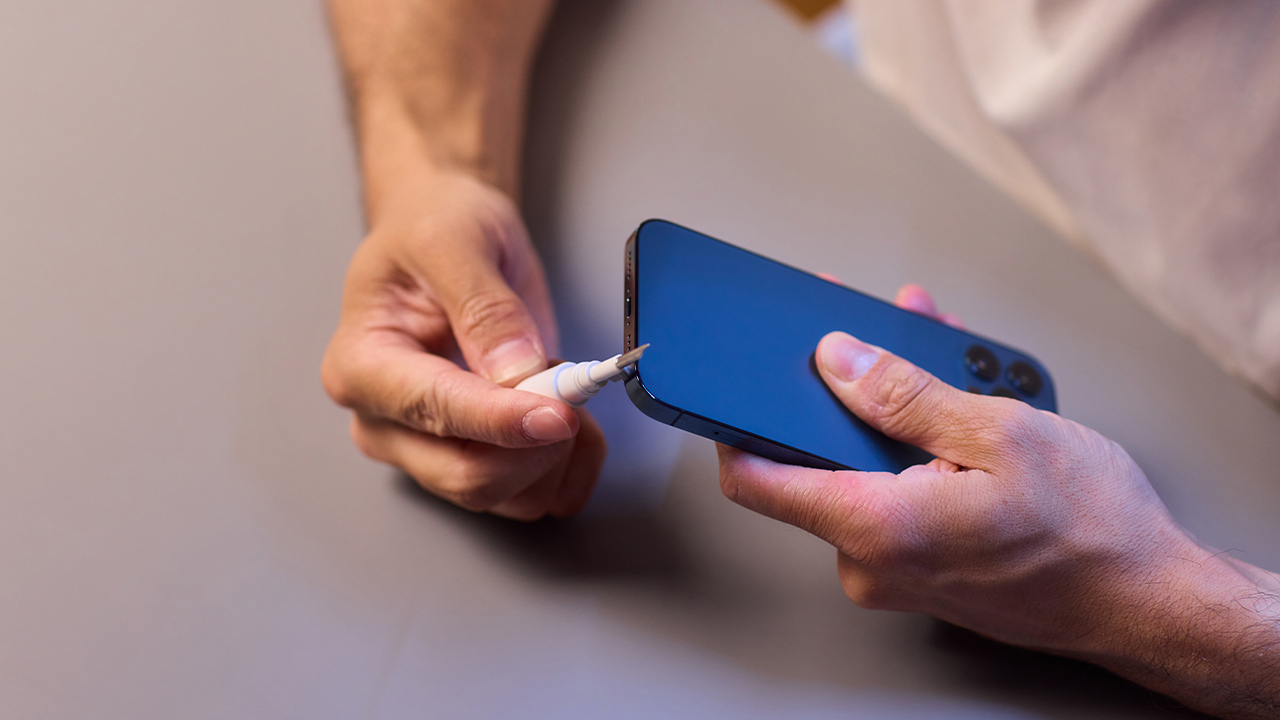
Keeping your phone’s charging port clean is essential for maintaining its functionality and longevity. In this article entitled How to Safely Clean Your Phone’s Charging Port Without Damaging It, readers will understand the importance of a clean charging port to avoid issues like poor connectivity or damage. The step-by-step guide details safe methods to effectively clean a phone charging port, using tools such as a soft-bristled brush or compressed air. Additionally, expert tips are provided to enhance the effectiveness of the cleaning process while ensuring no damage occurs. The conclusion emphasizes the significance of regular upkeep to maintain a clean charging port and maximize the lifespan of your device. For those learning how to clean phone charging port safely and efficiently, this article serves as a comprehensive resource.
Understanding The Importance Of A Clean Phone Charging Port
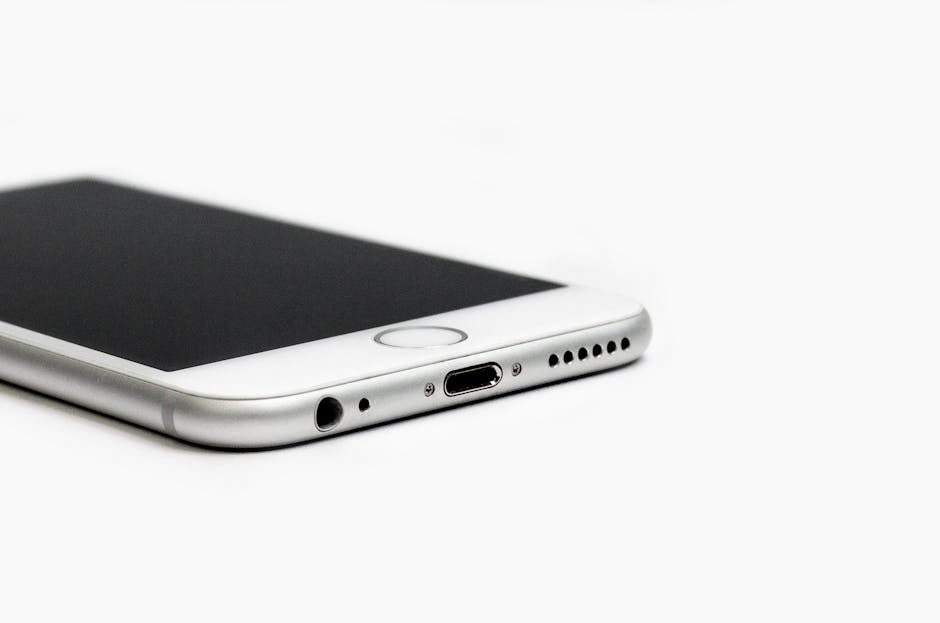
The charging port of your phone is essential for its operation, as it connects the device to power sources and accessories. Over time, dust, lint, and debris can accumulate in this crucial area, hindering charging efficiency and potentially damaging the internal components. Cleaning your phone’s charging port regularly is a proactive way to ensure optimal performance and prolong the device’s lifespan. Failure to maintain a clean USB-C port can lead to frustrating connectivity issues or, in severe cases, render your device unusable.
Reasons To Keep Your Charging Port Clean
- Improved Charging Efficiency: A clean port ensures proper contact with the charging cable.
- Prolonged Device Lifespan: Regular cleaning can prevent internal damage caused by debris.
- Enhanced Safety: Cleaning minimizes the risk of overheating and electrical issues.
- Prevention of Connection Problems: Reduces the chances of interruptions during charging.
- Better Data Transfer: A clean port ensures reliable data syncing when connecting to other devices.
- Preserved Aesthetics: Keeping the charging port clean maintains the overall appearance of your device.
Understanding these reasons highlights why regular phone port cleaning is vital. Not only does it help in maintaining the functionality of your device, but it also safeguards it from potential hazards that come with neglect. In the following sections, we will explore effective methods on how to clean the phone charging port safely, alongside expert tips for optimal results.
Step-By-Step Guide On How To Clean Phone Charging Port
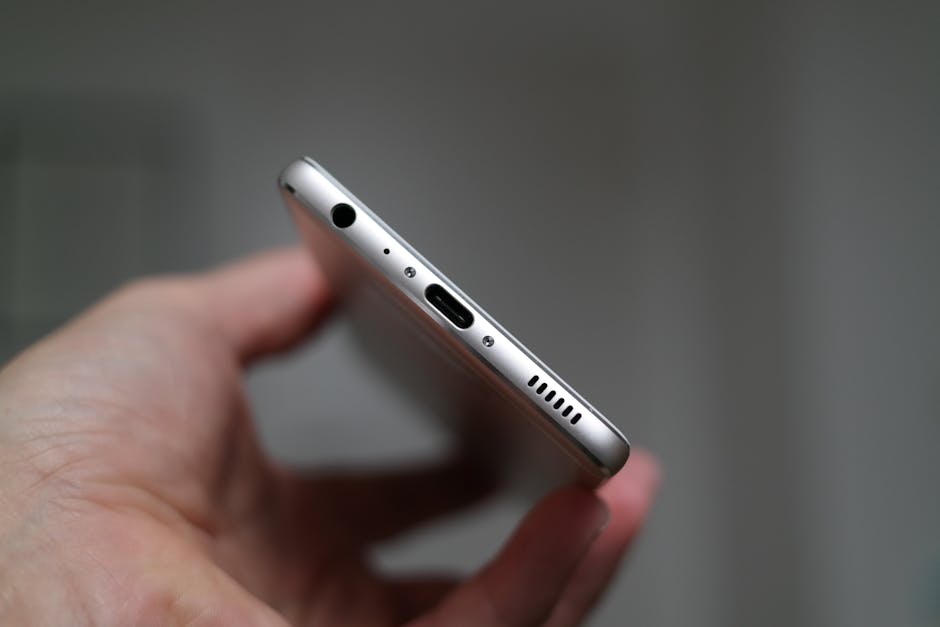
Cleaning your phone’s charging port is essential for ensuring optimal performance and longevity of the device. Over time, lint, dust, and debris can accumulate in the charging port, leading to inefficient charging or even hardware damage. Knowing how to clean phone charging port effectively can help you avoid these issues. Regular maintenance will keep your device functioning smoothly, allowing you to power up without interruptions.
Before diving into the cleaning process, it’s crucial to gather the right tools. Using inappropriate items can cause more harm than good. Employing a gentle approach is key. It’s best to remove dust from charging port carefully to avoid damaging the internal components. First, ensure your device is powered off and unplugged before beginning the cleaning process.
Steps To Safely Clean Your Charging Port
- Gather necessary tools, such as a soft brush or compressed air.
- Gently insert a cotton swab into the charging port, avoiding excessive pressure.
- Use the brush or compressed air to dislodge any loose debris.
- Inspect the port for any remaining dust and use another clean cotton swab if needed.
- Turn your device back on and test the charging functionality.
Keeping safety in mind while cleaning your device is critical. Avoid using metal objects or sharp tools, as these can easily scratch or damage the delicate internals of your phone’s charging port. Additionally, using liquids or cleaning solutions can lead to further complications. Always opt for dry cleaning methods to ensure that no residue is left behind that could potentially affect the electronics.
Common Tools For Cleaning
When it comes to cleaning your phone’s charging port, having the right tools is essential. Commonly used tools include a soft-bristled brush, compressed air, and cotton swabs. Cotton swab port clean methods are particularly effective for reaching the nooks and crannies of the port without risking damage. These tools, when used properly, can help you maintain a debris-free charging port and extend the life of your device.
By following these steps and precautions, you can ensure that your phone remains in good working condition. A clean charging port not only enhances charging efficiency but also helps in maintaining the overall health of your device. Regular maintenance is vital, so incorporate it into your electronics care routine for optimal performance.
Expert Tips For Effective Phone Port Cleaning
To ensure your phone remains functional, effective phone port cleaning is essential. Dust and debris accumulation can lead to connectivity issues, causing your device to experience problems like intermittent charging or even the phone not charging fix scenarios. Regular maintenance of your charging port helps maintain the integrity of the device and prolongs its lifespan.
| Cleaning Tool | Material | Usage Tips |
|---|---|---|
| Vacuum Cleaner | Soft brush attachment | Use on low power to avoid damage |
| Canned Air | Compressed air | Keep at a distance while blowing air |
| Toothpick | Wooden or plastic | Gently remove stubborn debris |
| Alcohol Wipes | Isopropyl alcohol | Use lightly for disinfecting |
When it comes to cleaning your phone’s charging port, adopting the right technique is crucial. Begin by using gentle methods to remove noticeable debris without applying excess pressure. If upon inspection you discover persistent dirt, then utilizing specific tools, such as a toothpick or canned air, can aid in removing residue effectively without causing damage to the port’s internal components.
Top Tips For Maintaining Your Phone Charging Port
- Keep your phone in a case to minimize dust entry.
- Avoid placing your phone on surfaces that attract lint or dirt.
- Regularly inspect the charging port for debris buildup.
- Use a screen protector to prevent dirt migration.
- Clean your charging cable connectors often.
- Avoid charging in dusty environments.
- Store your phone in a clean, dry place when not in use.
In conclusion, by implementing these phone port cleaning tips, you can significantly boost your device’s efficiency and prevent any potential charging issues. Regular upkeep of your phone’s charging port will help you avoid unnecessary repairs and increase the overall lifespan of your smartphone.
Conclusion: Maintaining A Clean Charging Port For Longevity
To ensure your phone remains functional and efficient, maintaining a clean charging port is paramount. A dirty charging port can lead to inadequate charging, connectivity issues, and even damage over time. Regular cleaning can significantly extend the life of your device and prevent potential malfunctions. By incorporating proper cleaning habits into your device care routine, you can safeguard against accumulated dust, lint, and other debris that may compromise your charging experience.
Actionable Steps For Phone Charging Port Care
- Use a soft brush to gently dislodge debris.
- Inspect the port with a flashlight to identify hidden dirt.
- Use compressed air to blow out loose particles.
- Apply a small amount of isopropyl alcohol on a cotton swab for deeper cleaning.
- Be cautious with sharp objects; avoid metal items that may cause damage.
- Clean your port every few weeks to prevent buildup.
- Store your phone in a clean environment to minimize exposure to dust.
Implementing these steps can make a significant difference in the longevity of your device. Make it a habit to check and clean your charging port regularly to maintain optimal performance. As emphasized previously, preventive maintenance is key. An ounce of prevention is worth a pound of cure, especially when it comes to your valuable electronics.
Frequently Asked Questions
Why is it important to clean my phone's charging port?
A clean charging port ensures optimal performance, prevents connectivity issues, and can extend the lifespan of your device by avoiding damage from dust and debris.
What tools do I need to clean my phone's charging port?
You will typically need a soft brush, compressed air, and possibly a toothpick or a small cleaning cloth. Ensure these tools are non-abrasive to avoid damaging the port.
How often should I clean my phone's charging port?
It's recommended to clean your charging port every few months, or more frequently if you notice buildup or if you regularly use your phone in dusty or dirty environments.
Can I use liquids to clean my phone's charging port?
No, it's best to avoid using liquids, as they can cause internal damage to the phone. Stick with dry cleaning methods for the safest results.
What should I do if my phone still doesn't charge after cleaning the port?
If your phone still isn't charging, check the charging cable and adapter for damage, try a different charger, and if issues persist, consult a professional technician.
Is it safe to use a toothpick to clean my phone's charging port?
Yes, a toothpick can be used carefully to dislodge debris, but you should avoid using excessive force to prevent damaging the port's internal components.
What steps should I follow when cleaning my phone's charging port?
First, power off your device, then use compressed air to blow out dust, gently brush the port with a soft brush, and if necessary, use a toothpick to remove stubborn debris.
Are there any tools I should avoid when cleaning my phone's charging port?
Avoid metallic tools, sharp objects, or any abrasive materials that could scratch or damage the charging port.
Should I remove my phone case before cleaning the charging port?
Yes, removing the case can provide easier access to the charging port and prevent the case from obstructing your cleaning efforts.
How can I maintain a clean charging port to prevent future buildup?
Keep your phone in a clean environment, avoid placing it in pockets with lint or debris, and periodically check and clean the port as necessary.