
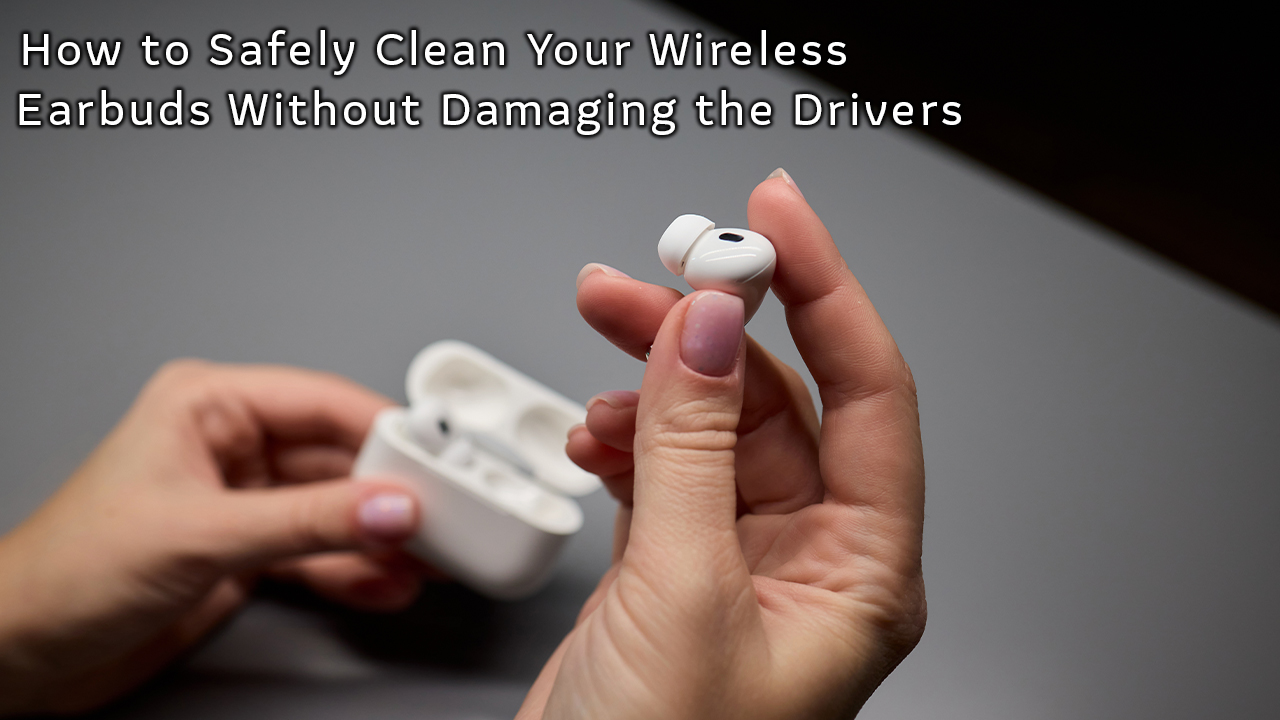
This blog post highlights the importance of maintaining wireless earbuds by focusing on how to clean wireless earbuds safely. It begins with an introduction to wireless earbud hygiene and care, emphasizing the need to keep them clean for optimal performance and longevity. The article then outlines effective steps for safely cleaning earbuds, including recommended cleaning materials and techniques to avoid damaging the drivers. It also discusses the role of audio quality in earbud maintenance, explaining how dirt and debris can impact sound performance. In conclusion, the post provides key takeaways for earbud care, reinforcing the significance of regular cleaning to enhance both hygiene and audio quality. Following the tips shared ensures that users can enjoy their wireless earbuds for longer while keeping them in top condition.
Introduction To Wireless Earbud Hygiene And Care
Maintaining wireless earbud hygiene is crucial for both longevity and audio performance. Regular cleaning not only ensures a better listening experience but also minimizes the risk of ear infections caused by bacteria buildup. To clean wireless earbuds safely, it’s essential to know the proper techniques that won’t damage delicate components such as the drivers. While many users may overlook this aspect, a few preventive steps can greatly enhance the durability of your earbuds.
Key Considerations for Cleaning Your Earbuds
- Use a soft, lint-free cloth to avoid scratching the surface.
- Employ a gentle cleaning solution specifically designed for electronics.
- Remove ear tips before cleaning to access hard-to-reach areas.
- Keep moisture away from the speaker grille to prevent damage.
- Let your earbuds dry completely before reinserting the ear tips.
- Avoid using harsh chemicals or abrasive materials.
By following these simple steps, you can effectively clean AirPods and extend their lifespan. It’s important to incorporate these practices into your routine to maintain wireless earbud hygiene and ensure they perform at their best. Remember to clean your earbuds regularly, as dirt and grime can build up and affect both sound quality and ear health.
Effective Steps To Clean Your Wireless Earbuds Safely
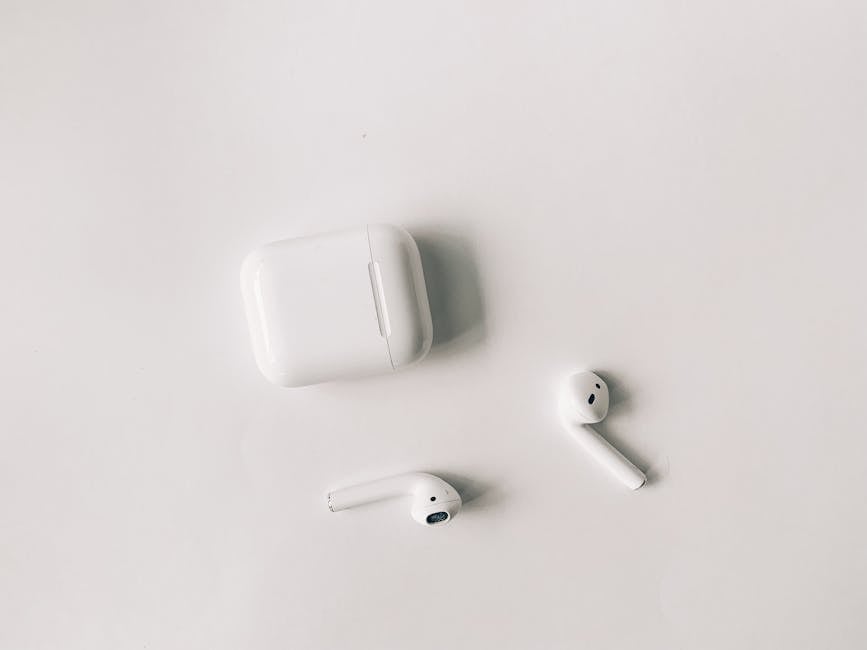
When it comes to maintaining the sound quality and longevity of your wireless earbuds, knowing how to clean wireless earbuds safely is essential. Regular cleaning can help prevent bacteria buildup and enhance your listening experience. Additionally, improper cleaning techniques can damage the drivers, affecting the overall performance. Therefore, it’s vital to implement safe and effective cleaning methods that will keep your earbuds in top condition.
To begin with, it’s crucial to choose the right cleaning materials that won’t harm your earbuds. Using excessive moisture or abrasive substances can lead to irreversible damage. A microfiber cloth, a soft-bristled brush, isopropyl alcohol, and cotton swabs are simple yet effective tools for cleaning. Being cautious with the cleaning agents you use is a key factor in the safe earbud cleaning process.
Step-by-Step Cleaning Process
- Gather all necessary cleaning materials: microfiber cloth, soft brush, isopropyl alcohol, and cotton swabs.
- Turn off your earbuds and disconnect them from any devices.
- Dip a cotton swab in isopropyl alcohol and gently clean the earbud mesh.
- Use the soft-bristled brush to remove any dirt or debris from the crevices.
- Wipe down the outer surfaces of the earbuds with a microfiber cloth.
- Let the earbuds air dry completely before using them again.
- Store your earbuds in a safe, dry place to prevent future accumulation of dirt.
After cleaning, it’s essential to implement techniques to remove earwax from earbuds. Earwax can significantly diminish audio quality and harbor bacteria if left unaddressed. To avoid any damage, always use gentle techniques. For instance, never insert sharp objects into the tiny openings; instead, utilize a soft brush or cotton swab for effective earwax removal. Regular maintenance will ensure not only cleanliness but also an optimal listening experience.
Choosing The Right Cleaning Materials
When selecting cleaning materials, prioritize items specifically designed for electronic devices. Opt for lint-free microfiber cloths that won’t scratch the surfaces. Avoid harsh chemicals that might corrode the components or disrupt delicate parts. Isopropyl alcohol is highly effective and evaporates quickly, making it a popular choice among audiophiles and casual users alike. Remember, choosing the wrong materials can lead to damaging your earbuds while failing to achieve a satisfactory clean.
Techniques To Remove Earwax From Earbuds
To effectively remove earwax from your earbuds, begin with a visual inspection to determine the extent of buildup. If earwax is stubbornly stuck, consider using a slightly dampened cloth to soften it before removal. A soft brush works wonders in loosening debris without applying excessive pressure. Regular cleaning of your earbuds not only enhances hygiene but also ensures that your devices sound as good as new, providing you with an enjoyable audio experience.
The Role Of Audio Quality In Earbud Maintenance
Maintaining optimal audio quality in your earbuds is crucial for an enhanced listening experience. Regular cleaning not only improves sound clarity but also extends the lifespan of your earbuds. It’s important to understand that dirt, wax, and moisture can accumulate on the drivers, leading to diminished audio performance. By learning how to clean wireless earbuds safely, you can preserve their functionality without risking damage to sensitive components.
The audio quality of earbuds can significantly impact user satisfaction and overall performance. When earbuds are not properly maintained, subtle issues can arise, such as distortion, lack of bass, or muffled sound. To ensure you are receiving the best audio experience from your earbuds, consider the following table that outlines various factors influencing audio quality:
| Factor | Impact on Audio Quality | Maintenance Tip |
|---|---|---|
| Earwax Build-Up | Muffles sound and reduces clarity | Regularly remove with a soft cloth |
| Moisture | Can damage components | Avoid exposure to sweat or water |
| Worn Out Drivers | Loss of sound fidelity | Store properly when not in use |
| Incorrect Fit | Poor sound isolation | Use the right ear tips |
By recognizing these factors, you can effectively maintain your earbuds and keep their audio quality in check. Additionally, it’s essential to address potential issues as soon as they arise. Below are some common issues that can occur with poor audio quality:
Factors Affecting Audio Quality
- Earwax accumulation
- Moisture exposure
- Improper storage
- Wrong ear tip size
- Driver wear over time
- Connection issues
Understanding the role of audio quality in earbud maintenance is pivotal for both audiophiles and casual users alike. Regular care ensures sustained performance and enjoyment.
Investing time in upkeep not only enhances auditory experience but also enriches the durability of your earbuds. Remember, learning how to clean wireless earbuds safely is key to maximizing their potential and enjoying impeccable sound quality.
Conclusion And Key Takeaways For Earbud Care
As we’ve explored throughout this article, understanding how to clean wireless earbuds safely is essential for maintaining both their performance and longevity. By following the effective cleaning techniques discussed, you ensure that your earbuds remain in top condition, delivering the best audio experience without compromising on hygiene. Regular maintenance not only enhances your listening experience but also minimizes the risk of ear infections and discomfort, which can be caused by accumulated dirt and grime.
Best Practices for Earbud Hygiene
- Always power off your earbuds before cleaning to prevent accidental commands.
- Use only a soft, lint-free cloth for wiping the exterior surfaces.
- For the ear tips, opt for mild soap and water or an alcohol solution for disinfecting.
- Avoid using sharp objects that can scratch or damage sensitive parts.
- Ensure ports and openings are free from moisture after cleaning.
- Store your earbuds in a case when not in use to protect them from dust.
- Schedule regular cleanings, ideally once a week, to maintain optimal hygiene.
In summary, a proactive approach to safe earbud cleaning not only preserves the functionality of your devices but also supports your overall ear health. Whether you own AirPods or other brands, establishing a consistent cleaning routine will extend their lifespan and ensure that every listening session remains enjoyable. Remember, a little care goes a long way in maintaining your wireless earbuds as a valuable part of your daily tech arsenal.
Frequently Asked Questions
Why is it important to clean wireless earbuds regularly?
Regular cleaning of wireless earbuds is crucial to prevent the buildup of dirt, wax, and bacteria, which can affect audio quality and potentially harm your ears.
What materials do I need to safely clean my wireless earbuds?
To clean your wireless earbuds safely, you will need a soft cloth, a small brush, cotton swabs, and isopropyl alcohol or a gentle cleaning solution.
Can I use water to clean my wireless earbuds?
No, you should avoid using water to clean your wireless earbuds as it can damage the electronic components. Instead, use a damp cloth with a safe cleaning solution.
How often should I clean my wireless earbuds?
It's advisable to clean your wireless earbuds at least once a week, or more often if you use them frequently or sweat while wearing them.
What specific areas of wireless earbuds should I focus on while cleaning?
Focus on cleaning the ear tips, mesh grille, and any crevices where dirt can accumulate while ensuring not to interfere with the drivers.
Can I remove the ear tips for cleaning my wireless earbuds?
Yes, most wireless earbuds have removable ear tips; taking them off allows for a more thorough cleaning of both the tips and the earbuds themselves.
Is it safe to use disinfectant wipes on my wireless earbuds?
You can use disinfectant wipes as long as they are non-alcoholic and do not contain strong chemicals, as these can damage the earbud’s materials.
What should I avoid while cleaning my wireless earbuds?
Avoid using sharp objects, abrasive materials, and excessive moisture, as these can scratch or damage the earbuds and affect audio quality.
How can a proper cleaning routine help maintain audio quality?
A proper cleaning routine helps maintain audio quality by preventing blockage of the sound drivers and ensuring that the earbuds work optimally without interference.
What are the key takeaways for maintaining my wireless earbuds?
Key takeaways include regular cleaning, using appropriate materials, avoiding moisture, and focusing on the areas that impact both hygiene and audio performance.