
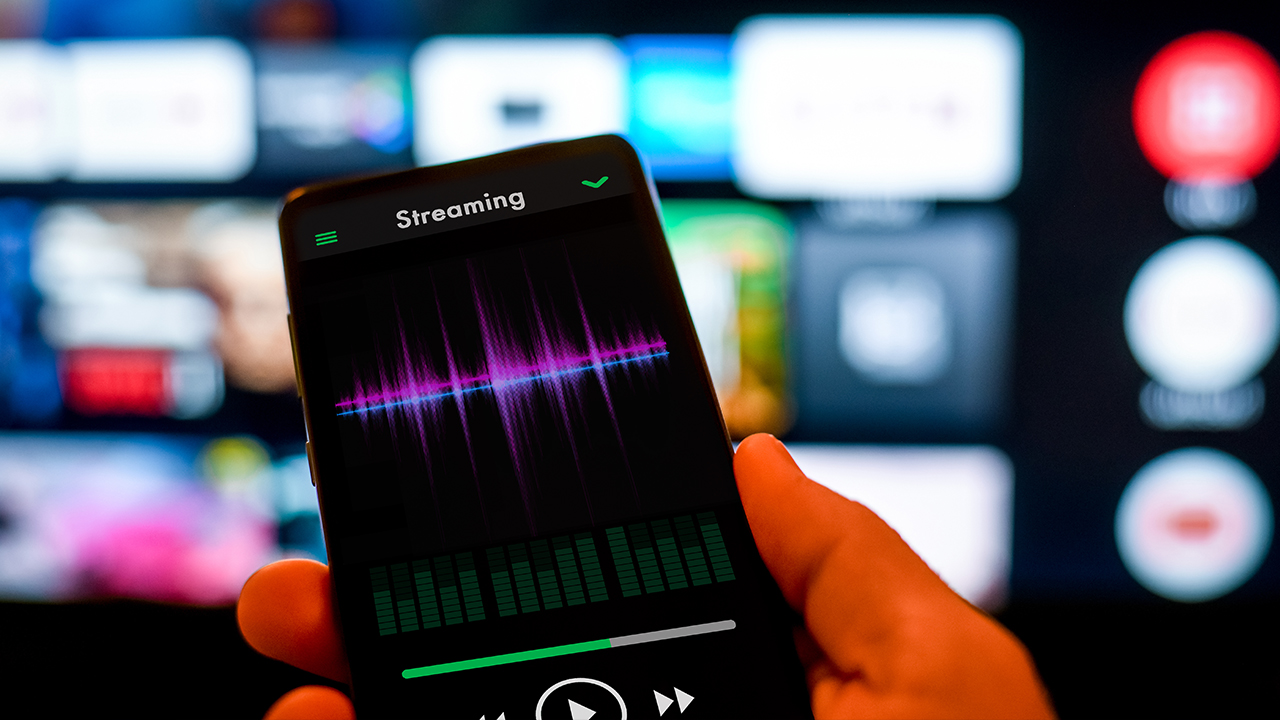
This blog post explores the importance of equalizer settings for best sound experiences on your phone or headphones. It begins by explaining how equalizer settings impact sound quality, enhancing your listening experience. The article provides an in-depth guide on the best equalizer settings for headphones, detailing specific adjustments to improve bass, midrange, and treble. Additionally, it offers step-by-step instructions on how to adjust EQ settings on Android devices for optimal sound quality. By the conclusion, readers are encouraged to utilize the discussed equalizer settings to achieve the best sound possible, enhancing their audio enjoyment whether through musiç podcasts, or other media.
Understanding Equalizer Settings: Why They Matter for Your Sound Experience
Equalizer settings play a crucial role in shaping the overall sound experience, enhancing audio playback to match personal preferences. By adjusting specific frequency bands, users can improve clarity, depth, and overall richness of sound, which is particularly important for mobile devices and headphones. For instance, utilizing EQ settings with bass boost can enhance low-frequency sounds, making music feel more immersive, while tweaking mid and high frequencies can refine vocals and instruments, contributing to a more balanced listening experience.
Key Benefits of Using Equalizer Settings
- Customized Sound Experience: Tailor audio to your liking for various genres.
- Improved Clarity: Highlights vocals and instruments, eliminating muddiness.
- Increased Bass: Utilize bass boost for a fuller sound in bass-heavy tracks.
- Enhanced Dynamics: Adjustments can bring life to subtle sounds that might otherwise be missed.
- Personal Preference: Adjust settings based on your hearing preferences and environment.
- Device Optimization: Fine-tune audio output specifically for headphones or speakers.
Music sound customization through equalization enables users to experience their favorite tracks in ways that suit their unique taste. By mastering your device’s equalizer settings, you can maximize the potential of your sound equipment, ensuring that every listening session feels tailored and engaging. Whether you’re listening to classic rock, smooth jazz, or electronic dance musiç optimized EQ settings can significantly enhance how you perceive musiç allowing you to enjoy the full spectrum of sound as it was intended.
The Best Equalizer Settings for Headphones: An In-Depth Guide
When it comes to achieving the best sound through your headphones, understanding your equalizer settings is key. An equalizer (EQ) allows you to manipulate various frequencies, ensuring that each genre of music or audio experience sounds the way it was intended. By carefully adjusting these settings, you can enhance clarity and quality, leading to a more immersive listening experience. The best eq for headphones not only elevates your music enjoyment but also tailors your audio to your personal taste.
Before diving into optimal settings, it is essential to analyze specific sound characteristics such as bass and treble. Bass frequencies provide depth and a sense of rhythm, while treble frequencies enhance audio clarity. By ensuring that you maintain a balanced relationship between these adjustments, you can greatly influence the overall sound profile of your headphones. As highlighted in the following table, understanding the impact of these adjustments will help in getting your desired output.
| Frequency Range | Effect | Recommended Adjustment |
|---|---|---|
| 20 – 60 Hz | Sub-bass presence | +2 to +4 dB |
| 60 – 250 Hz | Bass weight | +1 to +3 dB |
| 250 – 2000 Hz | Vocals and instruments | 0 dB (flat) |
| 2000 – 20,000 Hz | Treble clarity | +1 to +3 dB |
Understanding frequency bands is vital for fine-tuning your headphone audio. Different musical elements occupy distinct frequency ranges, and by knowing these bands, you can adjust your equalizer for an enhanced experience. For example, if you’re listening to classical musiç you may want to boost the mid-range frequencies where strings and woodwinds thrive. Conversely, if you’re enjoying bass-heavy genres like hip-hop, increasing the lower frequencies can significantly impact sound enjoyment.
Steps to Optimize Your EQ Settings
- Start with a flat EQ setting to establish a baseline.
- Identify your listening preferences and audio genre.
- Slowly adjust the bass frequencies (+2 to +4 dB for more depth).
- Make minor adjustments to the mid-range to enhance vocals.
- Boost treble frequencies for clarity but avoid overpowering the bass.
- Test your settings with different songs for a varied perspective.
- Always be prepared to tweak settings according to your environment.
Finally, when tailoring your equalizer settings, it’s important to consider the music genres you listen to most frequently. Different styles resonate better with specific frequency adjustments. For instance, pop and rock may benefit from slightly elevated mid-range to highlight vocals, while electronic music often thrives on boosted bass. Taking the time to experiment and record your favored adjustments will lead you to discover the perfect equalizer settings for best sound tailored to your headphones.
How to Use EQ on Android for Optimal Sound Quality
To maximize your sound experience on Android devices, it’s essential to grasp how to use EQ settings effectively. These settings allow you to modify audio frequencies, enabling a more tailored listening experience whether you are using headphones or phone speakers. By adjusting these settings, you can compensate for deficiencies in sound quality and enhance your enjoyment of musiç podcasts, or other media.
Essential Tips for Using Android EQ
- Start with a Flat Setting: Reset your equalizer to a neutral state to understand the differences from your adjustments.
- Understand Frequency Ranges: Familiarize yourself with bass, mid-range, and treble frequencies to adjust them appropriately.
- Adjust Gradually: Make small adjustments to see how each change affects your sound quality.
- Test with Various Genres: Use a mix of music styles to ensure your EQ settings suit all preferences.
- Save Your Presets: Once you find ideal settings, save them as presets for easy access in the future.
- Consider Your Environment: Adjust your EQ depending on where you are—louder environments may require different settings.
- Use Quality Audio Files: High-quality audio will yield better results with EQ adjustments.
When adjusting the equalizer settings for best sound, focus on your personal preferences and the type of audio you consume. Some users may prefer a bass-heavy sound for genres like hip-hop, while others might favor higher frequencies for classical music. Always remember that your comfort and enjoyment should be the priority when fine-tuning the EQ settings.
“The best sound quality is achieved when your equalizer settings reflect your unique listening preferences.”
By following these tips and experimenting with Android EQ, you can enhance your audio experience significantly. Implementing personalized equalizer settings can transform your listening sessions, allowing every note and tone to resonate as intended. Now, you can enjoy superior sound on your phone or headphones, ensuring that you make the most of every listening experience.
Conclusion: Achieve the Best Sound with Your Equalizer Settings
To maximize your audio experience, understanding and correctly adjusting your equalizer settings for best sound is crucial. The perception of sound can vary significantly based on your personal preferences, the music genre, and the headphones or speakers in use. By fine-tuning your EQ settings, you can enhance clarity, balance frequencies, and ultimately achieve the most enjoyable listening experience. A well-configured equalizer can transform the sound, making your favorite tracks more immersive.
Actionable Steps to Enhance Your Sound
- Start with a flat EQ setting as your baseline.
- Adjust the bass frequencies to enhance the low-end without overwhelming other sounds.
- Tweak mid-range frequencies for vocals and instruments to ensure clarity.
- Fine-tune the treble for brightness without causing listening fatigue.
- Test your settings with different genres of music to ensure versatility.
- Save your customized presets for future use depending on your environment.
- Regularly revisit your settings as your audio equipment or preferences change.
Utilizing this phone equalizer guide, you can take charge of your sound output. Remember, the key is to experiment and listen critically. Making small adjustments can lead to significant improvements in your audio quality, allowing you to enjoy your music the way it was intended to be heard. By diligently applying these steps, you will undoubtedly achieve the best sound from your audio devices.
Frequently Asked Questions
What is an equalizer (EQ) and what does it do?
An equalizer (EQ) is a tool that allows you to adjust the balance of different frequency components in audio signals. It modifies the gain of specific frequencies, enabling you to enhance or reduce certain sounds to achieve a desired audio quality.
Why are equalizer settings important for sound experience?
Equalizer settings are crucial because they help tailor the audio to suit individual preferences and environments. By adjusting the EQ, you can enhance clarity, boost bass, or mellow out treble, resulting in a more enjoyable listening experience.
What are some common equalizer settings for headphones?
Common equalizer settings for headphones often include boosting the lower frequencies for more bass, adjusting mid frequencies for vocals, and slightly reducing higher frequencies to prevent ear fatigue. The ideal settings can vary based on personal preference and the type of music being played.
How can I find the best equalizer settings for my specific headphones?
To find the best equalizer settings for your headphones, it’s recommended to experiment with different presets or manually adjust the frequency bands while listening to varied genres of music. Apps that include visualization tools can also help you understand how each setting affects the sound.
Is there a recommended EQ setting for different music genres?
Yes, different genres often require specific EQ adjustments. For example, electronic music may benefit from boosted bass, while classical music might sound better with a more balanced EQ, emphasizing mid and high frequencies to enhance strings and vocals.
How do I access the equalizer settings on my Android phone?
Accessing the equalizer settings on an Android phone varies by device and music app. Generally, you can find it in the ‘Sound’ settings or directly within your music app under ‘Settings’ or ‘Audio’ options. Some Android devices also allow EQ adjustments directly in the system settings.
What tools or apps can I use for equalizer adjustments on my phone?
There are numerous apps available for equalizer adjustments, including Poweramp, Equalizer FX, and Wavelet. Many music streaming services like Spotify and Apple Music also have built-in equalizer settings that allow you to customize your listening experience.
Can I damage my headphones by using incorrect equalizer settings?
While using EQ settings won’t directly damage your headphones, excessive boost in certain frequencies, particularly bass, can lead to distortion or overloading, which might reduce the lifespan of your headphones. It's best to avoid extreme adjustments.
Do equalizer settings affect sound quality on all devices?
Yes, equalizer settings can significantly impact sound quality across all devices, including smartphones, tablets, and computers. However, the effectiveness may vary depending on the quality of the headphones and the audio source.
What is the overall goal of using equalizer settings?
The overall goal of using equalizer settings is to achieve a balanced and enjoyable listening experience that matches the user's preferences and the type of audio content being consumed, ensuring clarity, richness, and detail in the sound.