
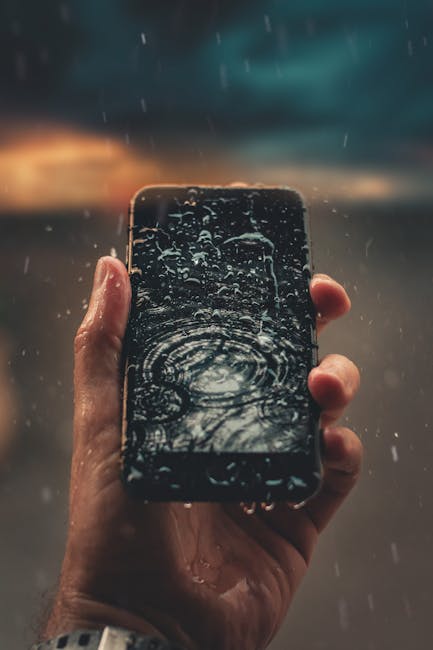
This blog post, How to Remove Water from Your Phone Speaker Without Tools: A Complete Guide, provides essential tips for effectively removing water from phone speakers. It begins by explaining why water in your phone speaker can lead to problems like muffled sound or permanent damage. The guide offers straightforward methods to remove water from phone speakers without needing specialized tools. Additionally, it addresses solutions for restoring speaker clarity after exposure to moisture. To help readers prevent future issues, actionable strategies for protecting their devices from water damage are also discussed. This comprehensive guide ensures that you’re equipped with the knowledge needed to tackle water-related issues with your phone speaker.
Understanding Why Water in Your Phone Speaker Is a Problem
Water exposure in your phone speaker can lead to several complications that may compromise your device’s functionality. Once water infiltrates the speaker, it can cause various issues, including muffled sound quality, static noises, and even complete speaker failure. This is particularly concerning for iPhone users, as iPhone water damage fix can be costly and often requires professional intervention if damage is severe.
Water Damage Risks
- Reduced sound quality
- Speaker distortion or static
- Permanent hardware damage
- Increased risk of corrosion
- Water pooling inside the speaker unit
- Higher repair costs if professional help is needed
- Potential loss of warranty coverage
Ignoring water in your phone speaker can lead to long-term problems and even the need for replacements. It’s essential to act quickly to clean phone speaker and mitigate any potential risks associated with water damage. Taking preventive steps and using effective methods to remove water from your phone speaker not only safeguards your device but also ensures that you maintain optimal sound quality.
How To Remove Water From Phone Speaker Effectively
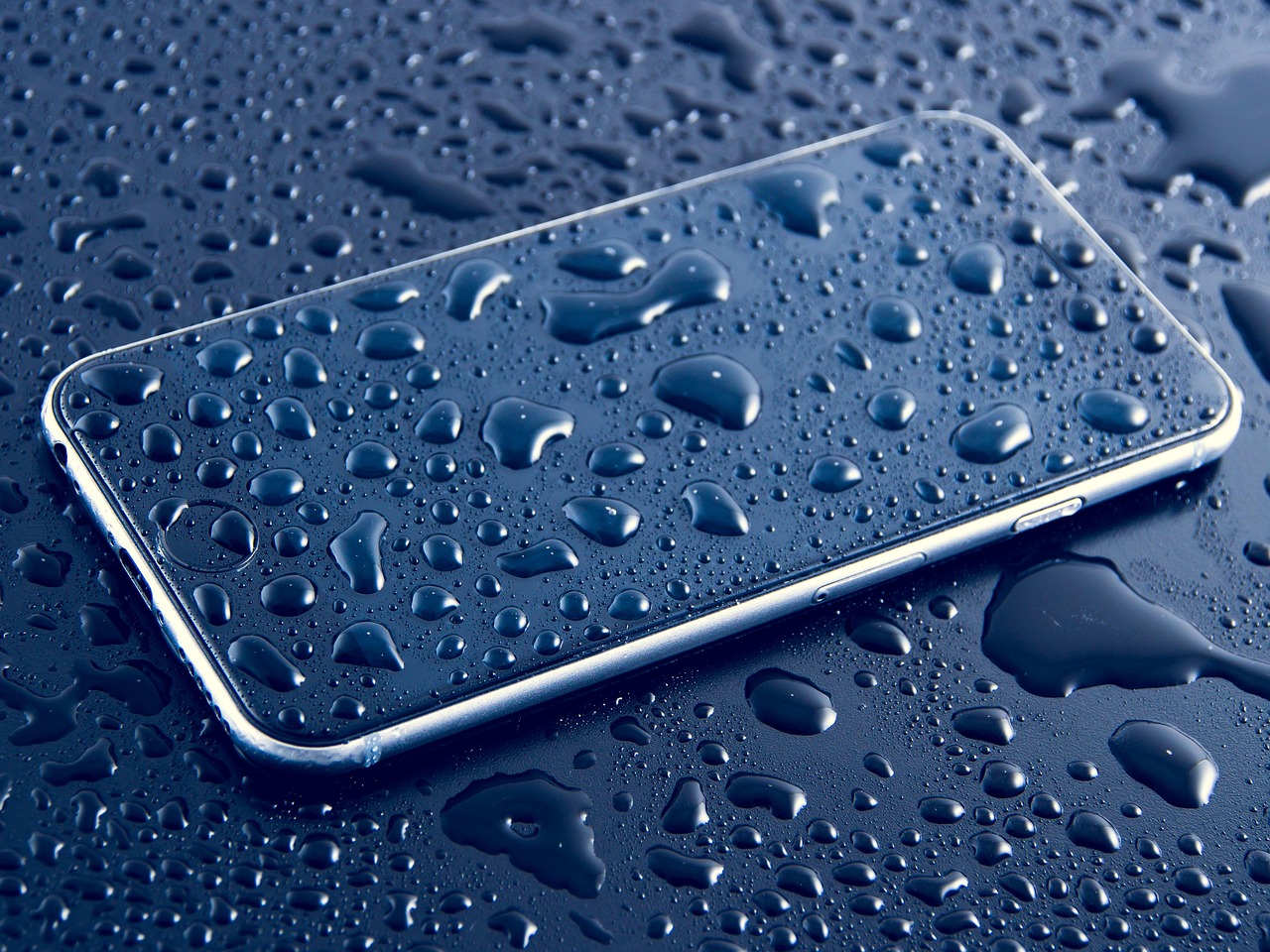
Water can easily find its way into your phone’s speaker, causing muffled sound or, in some cases, no sound at all. It’s essential to address this problem promptly to avoid further damage. Knowing how to remove water from phone speaker can save you from costly repairs or replacements. In this section, we will discuss effective methods to eliminate water from your phone speaker without the need for specialized tools.
Steps to Remove Water
- Turn off your phone immediately to prevent any short circuits.
- Shake your phone gently to help dislodge the water.
- Position your phone so that the speaker is facing downwards.
- Use a soft cloth to dab around the speaker area, absorbing any surface water.
- Play a water eject sound on a loop to help push the water out of the speaker.
- Leave your phone in a dry, warm area for several hours to aid evaporation.
- Consider using a vacuum cleaner on a low setting around the speaker to help draw out moisture.
Following these simple steps can help effectively drain any excess water from your phone speaker. It’s important to be patient and allow for complete drying time, as rushing the process could lead to further issues.
Tips For Using Sound Methods
Using audio frequency vibrations can significantly aid in removing stubborn water from your phone speaker. Playing a customized water eject sound through your phone’s speaker can help shake the moisture loose. Sounds at a frequency of around 165Hz are particularly effective, as they resonate well with water droplets. Make sure to place your phone at a slight angle to assist with drainage while the sound is playing.
Alternative Methods To Try
If the previous methods do not completely remove water from phone speaker, assess your options for additional techniques. One common method involves placing your phone in a bag of uncooked rice or silica gel packets overnight to absorb any remaining moisture. Another option is to use a hairdryer on the lowest heat setting kept at a distance, as this can expedite the drying process without damaging your device. Always prioritize safety and ensure that the phone is cool to the touch before attempting any of these methods.
Solutions For Fixing A Muffled Speaker After Water Exposure
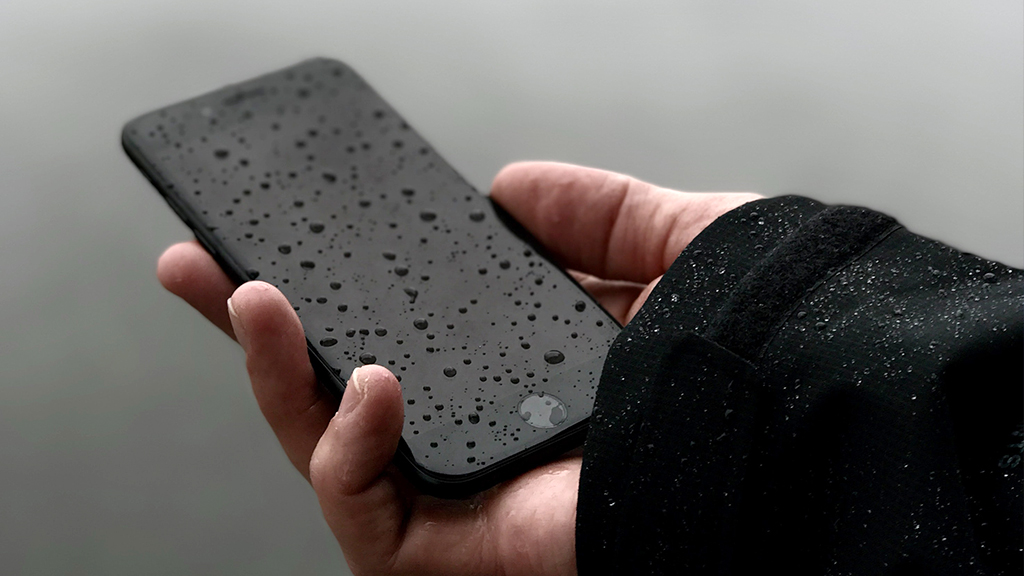
Experiencing a muffled speaker after exposure to water can be a frustrating issue for many smartphone users. This problem often arises when moisture finds its way into the speaker’s internal components, impacting sound quality significantly. Fortunately, there are several methods available that can help restore your phone’s audio performance without the need for specialized tools. It is essential to act quickly to prevent long-term damage, as prolonged exposure to moisture can lead to irreversible effects.
Before diving into potential fixes, it’s helpful to understand the common symptoms of water damage and what they look like in your device. Misleadingly, some users may initially think battery or software issues are causing poor sound when in reality, it’s water exposure affecting the speaker’s performance. To accurately identify the problem, it’s advisable to check for visible signs of water residue or listen closely for distorted sounds emanating from the speaker.
| Symptoms | Potential Issues | Next Steps |
|---|---|---|
| Muffled sound | Speaker damage | Dry the device |
| Low volume | Moisture in the speaker | Use a drying agent |
| Crackling noises | Corrosion | Check for water ingress |
| No sound at all | Severe water damage | Seek professional help |
Possible Fixes
- Power off your device immediately.
- Gently shake the phone to remove excess water.
- Use a soft cloth to wipe the exterior and ports.
- Place the phone in a bag of rice or silica gel for at least 24-48 hours.
- Try using a vacuum cleaner on the speaker area at low settings.
- Utilize a sound app to emit frequencies that may dislodge water.
- If issues persist, consider visiting a professional repair service.
After applying these methods, you should notice an improvement in sound clarity. Keep in mind that the effectiveness of these techniques can vary based on the extent of the water exposure. In any case, acting swiftly and following these recommendations can significantly help fix muffled speaker issues and restore your phone’s audio quality.
Common Symptoms of Water Damage
Identifying common symptoms of water damage can greatly assist in taking the right action to remove water from phone speaker. Symptoms can range from reduced volume to complete sound failure. Being aware of these signs allows for quicker intervention, potentially avoiding extensive damage. Should you find your phone exhibiting any of these symptoms, utilize the solutions discussed to enhance your speaker’s functionality and overall sound experience.
Actionable Strategies To Prevent Future Water Damage
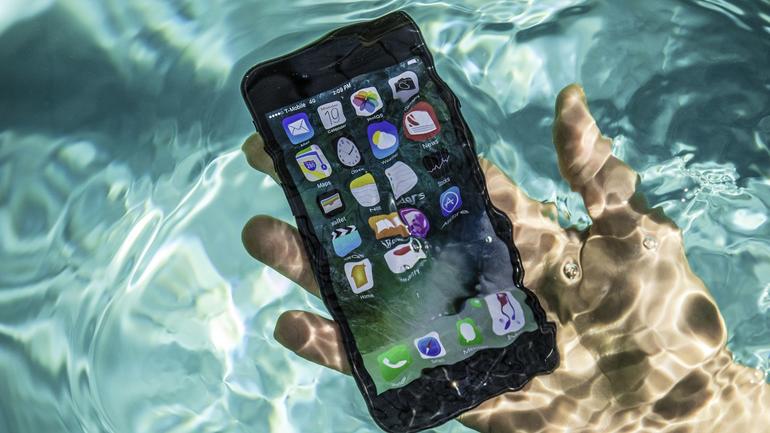
To ensure your phone remains protected from water damage in the future, it’s crucial to implement practical strategies that minimize risks. With the proliferation of smartphones and their reliance on advanced features like 165hz sound, safeguarding your device is more important than ever. One important strategy is to invest in a high-quality waterproof case. This will ensure that your phone remains dry even in unexpected situations, allowing for smooth operation and preventing issues such as muffled audio from a waterlogged phone speaker.
Precautionary Measures
- Use a waterproof case or pouch.
- Avoid using your phone in wet conditions.
- Be cautious around sinks, pools, and other water bodies.
- Utilize protective screen covers to minimize spills.
- Keep your phone in a secure location during outdoor activities.
- Regularly check for any hardware damage that could lead to water ingress.
Additionally, familiarize yourself with your phone’s IP rating, as it indicates how resistant your device is to water and dust. Even with these preventative measures, accidents can happen. Thus, knowing how to remove water from your phone speaker promptly is essential to avoid the need for costly phone speaker repairs later on. Establishing these habits will help you maintain your phone’s functionality and prolong its lifespan.