
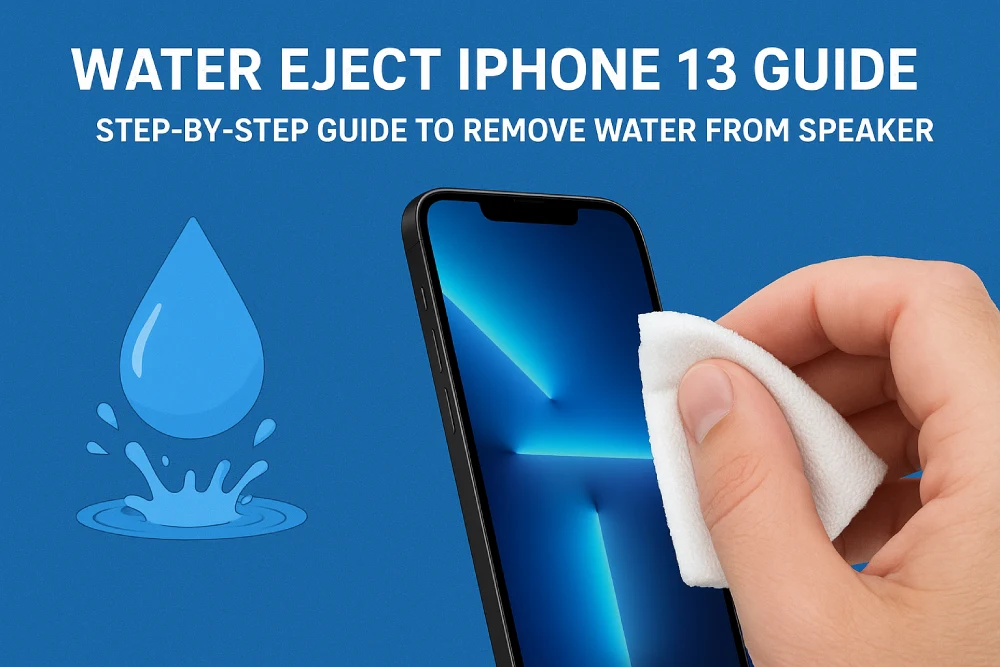
Sound problems that develop in your iPhone 13’s speaker after contact with water are a frustrating situation. Fortunately, we’ve developed a tool called “Fix My Speaker” to help you fix this problem quickly and effectively. Our tool not only removes water from your device’s speaker but also removes dust and other debris that has accumulated on the speaker.
How to Use the Water Eject iPhone 13 Tool?
- First, visit our website, phonesoundfix.com.
- You’ll see the speaker cleaner tool on the page. Before using the tool, set the volume on your iPhone 13 to maximum.
- While the Water Eject iPhone 13 tool is in sound mode, tap the start button at the bottom and wait until the audio file has finished playing. You can ensure full audio playback by monitoring the progress bar.
- Once the cleaning process in sound mode is 100% complete, tap the vibration tab to activate vibration mode.
- While in vibration mode, tap the same button again to start vibration. Wait for this process to complete.
- That’s all! Once the cleaning process is complete, test it by opening an audio file on your phone. If the problem persists, you can repeat the steps above a few times.
Features That Set the Water Eject iPhone 13 Tool Apart from Other Tools
The Water Eject iPhone 13 tool was specifically developed to ensure the best results. Our tool features a user-friendly interface and is 100% compatible with all devices. In the table below, we’ve compared phonesoundfix.com’s Water Eject iPhone 13 tool with other tools:
| Features | Our Tool | Other Tools |
| Access Opportunities | You can access our tool with a single click from anywhere with an internet connection. There’s no need to register or install any applications or software. | You may need to download a mobile app, watch ads, or install a web-based program. |
| Ease of Use | Our Water Eject tool was developed specifically for the iPhone 13. Our tool, which has an interface fully compatible with iPhone devices, is very easy to use. You can easily clean your device’s speaker in two steps. | One-click access may not be possible. It may not have a user-friendly interface or be mobile-friendly. |
| Pricing | Our tool is totally free. | You may have to pay a fee or watch ads. |
| Device Compatibility | Our tool is an online, web-based application with an interface compatible with all devices and browsers. | It may not work with all devices and browsers. |
Water Eject iPhone 13: Some Reasons to Choose This Device
Choosing the right tool for the Water Eject iPhone 13 is crucial for a successful and quick cleaning process. If the water buildup on your phone isn’t completely drained, it can cause permanent damage to the speaker. To avoid these potential problems, you can use our tested tool, which has a 95% success rate. Here are the technical features of our Water Eject iPhone 13 tool:
- Special Sound Frequencies: To ensure the best results in removing water from your speaker, our tool uses specially developed sound frequencies in the audio file we provide. These sound frequencies are crucial for successful cleaning and preventing damage to the device.
- Safe: Our tool is compatible with all devices and is 100% safe. The speaker cleaning process is harmless.
- User-Friendly Interface: We are constantly improving the interface to ensure the best possible experience for our valued users. Using our two-step tool takes seconds.
DIY Methods for Water Eject iPhone 13
If your iPhone speaker gets water in it, you can use some DIY methods to drain it. If your phone’s speaker hasn’t been exposed to too much water, you can drain it using the following methods:
- Draining with Rice: Pour one or two cups of rice into a glass bowl. The rice shouldn’t be soaked; it should be added directly. Place your phone’s speaker side down in the bowl with the rice. The speaker’s side should be completely submerged in the rice. For this process to be successful, you should soak your phone for 24-48 hours.
- Draining with Cloth & Cotton: You can drain water from your speaker using a cloth, cotton, and ear cleaner, which you can prepare at home. First, position your device with the speaker side down. Then, gently shake your device to drain the water. Once the water has completely drained, wipe it thoroughly with a dry cloth. Then, lay the cotton on a flat surface. Place your device so the speaker is in contact with the cotton and let it dry. This will absorb any accumulated water in the speaker.