
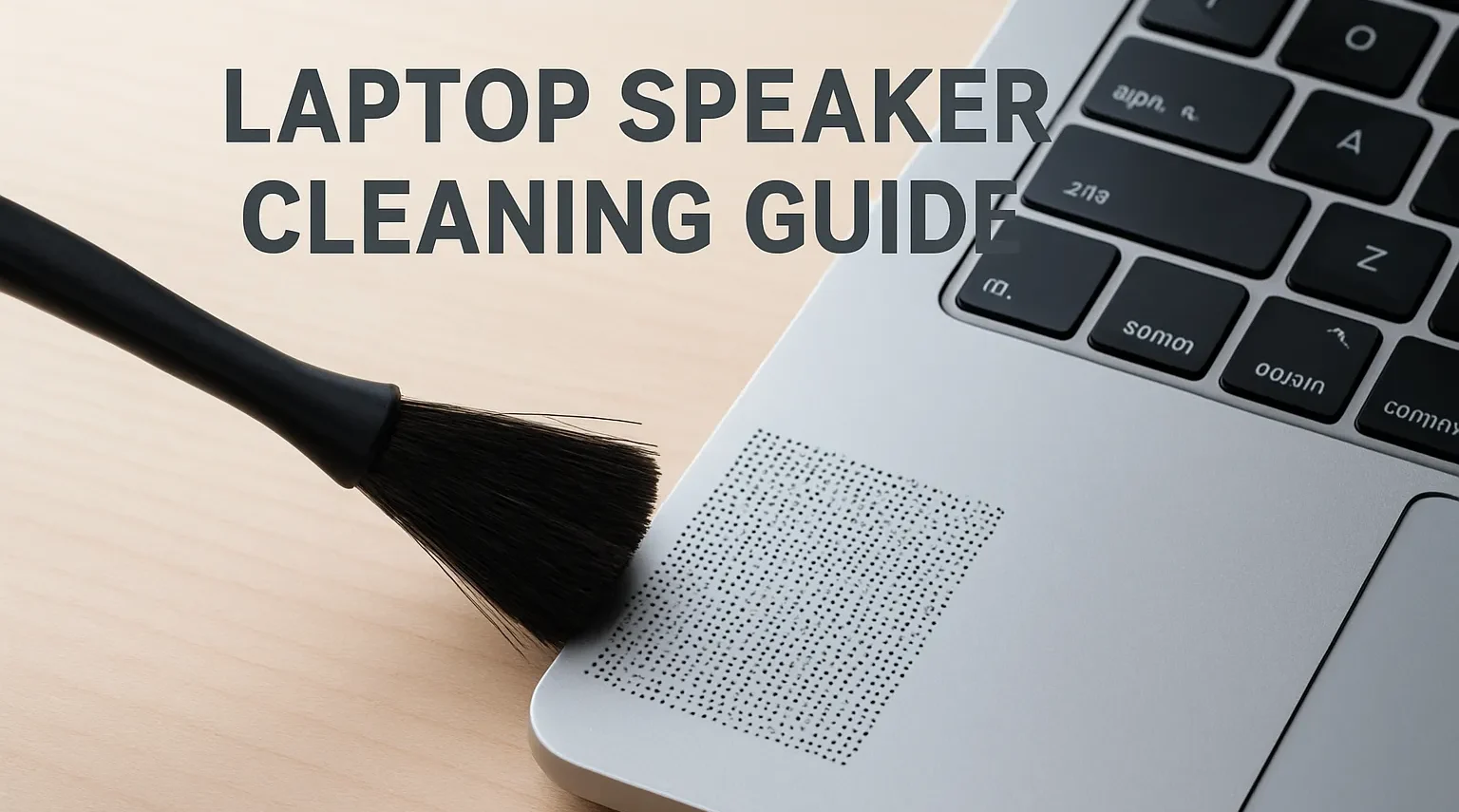
Tired of muffled, squeaky, and faint noises coming out of your laptop’s speaker? Among the main causes of these problems are dust, dirt, and water residues accumulated in the speaker. As you continue to use your laptop, the sound quality may gradually decrease over time or your speaker may become completely unfunctional.
Such problems in the laptop speaker can cause mechanical failures in the speaker over time. For this reason, we recommend regular cleaning and maintenance. Technical faults that may occur if timely maintenance and cleaning are not carried out can lead to extra repair costs.
You can use our free laptop speaker cleaner tool to troubleshoot your device’s speaker. This tool helps you effectively remove any dust and water that accumulates on your speaker. Say goodbye to muffled, scratchy, and other sound issues on your laptop speaker!
Why Do You Need to Clean Your Laptop’s Speaker?
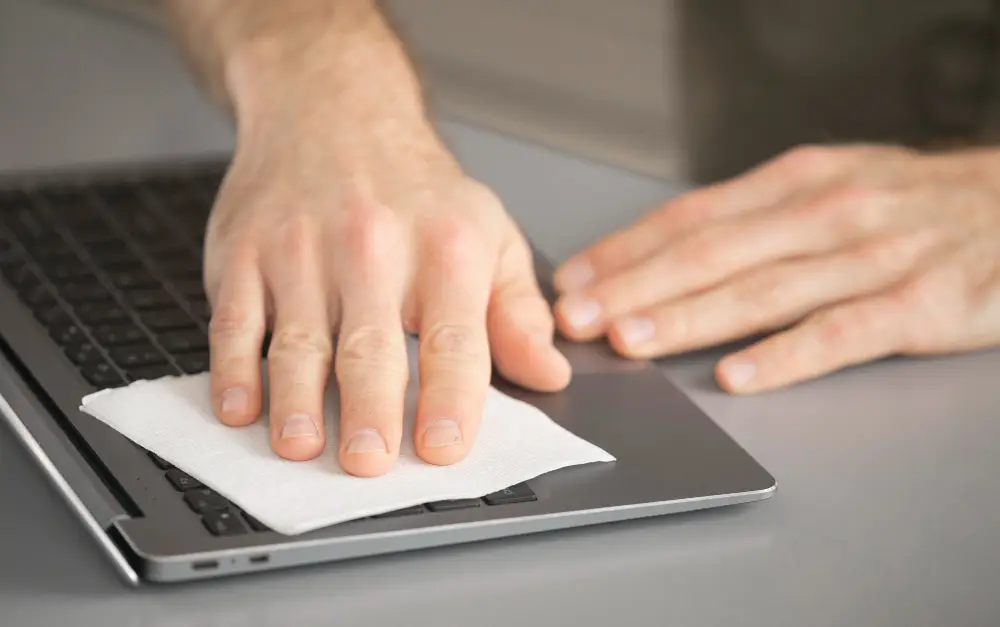
You need to clean your device’s speaker regularly. Check out the important details of speaker cleaning, along with the reasons below:
- Maintaining Sound Quality: Dust and dirt that accumulate on the speaker cover and inside the speaker can reduce sound quality and volume over time. Regular cleaning prevents these problems from occurring.
- Service Life: Over time, residue buildup in the speaker can damage the mechanical parts of your device. This will result in additional repair costs. You can prevent potential malfunctions by performing maintenance and cleaning in a timely manner.
- Ensuring Hygiene: Laptops are frequently used devices that come into contact with hands. Therefore, if they are not cleaned, they will cause the spread of dirt and bacteria. You can use antibacterial cleaning fluids that will not damage the device during cleaning.
- Appearance of the Device: Dust and debris that accumulate over time on the speaker grilles create an unsightly appearance. In addition to affecting sound quality, unpleasant images can be annoying. You can use soft-tipped brushes when cleaning the grilles.
How Do Dust and Particles Affect the Laptop’s Speaker?
Dust and other particles on the laptop speaker can damage the computer’s speaker over time. Let’s consider the main problems that occur with the speaker:
- Decreased sound quality: Speakers have a diaphragm by nature. Sound is created by the vibration produced by the diaphragm. Over time, dust residue accumulates on the diaphragm, reducing vibration and deteriorating sound quality.
- Decreased sound level: Contamination at the speaker output can prevent full sound output, and the volume may decrease over time.
- Permanent mechanical failures: Excessive dust buildup on the speaker can cause deformation in the speaker components due to overheating. In this case, technical service repair is required.
How to Use the Fix My Speaker Tool?
Check out our step-by-step guide on how to use the Fix My Speaker tool available on our website:
- Go to our website phonesoundfix.com.
- When you visit the page, mark the sound tab in the next section. Then tap the button at the bottom. At this stage, the audio file will be played, and you will wait for the audio to play completely (you can follow it from the progress bar).
- Once the audio file is fully played, tap the vibrate tab. Then tap the bottom button again to play the audio file and wait until it is completely finished.
- That’s all there is to it! You have cleaned the dust and water from the speaker of your laptop with our vehicle.
Latop Speaker Cleaning Tool Highlights
| Technology features: | It emits advanced sound and vibration waves. |
| Safety Precautions: | It is suitable for speakers of all types of devices. It does not cause any damage to the speaker. |
| Ease of Use: | You can easily use it with one click. |
| Compatibility: | Our tool works fully compatible with all devices. |
| Pricing: | Our speaker cleaning tool is completely free. |
| Customer Support: | If you encounter any problems, you can always contact us through communication channels. |
| User Reviews | Our users are pleased that they can easily troubleshoot their device’s speakers using your tools. |
Frequently Asked Questions (FAQ)
For Which Devices Is the Laptop Speaker Cleaning Tool Suitable?
Our tool is fully compatible with all kinds of laptop brands and models. You can safely use it for free on any device.
How often should I clean the speakers?
Although the cleaning period varies depending on the environment in which you use your device, it is recommended to clean it ideally once a month.
Does It Work in Water Related Speaker Blockages?
Yes, our speaker cleaning tool cleans for both dust and water.
Can I also use it on wired and Bluetooth speakers?
Yes, you can safely use it with all speakers that have an audio output.
What should I do if the sound is still distorted after cleaning?
Use our Fix My Speaker tool a few more times. If the problem persists, there may be a software or hardware malfunction; check for issues or seek technical support.